Rapid Deployment
Online in days. No waiting for local ISP trenches or grid connections.
Stop waiting for fibre trenches. We supply, mount, and integrate Starlink Enterprise as a primary, high-speed WAN link for your business. Fully integrated with your firewalls, VLANs, and failover routing from day one.
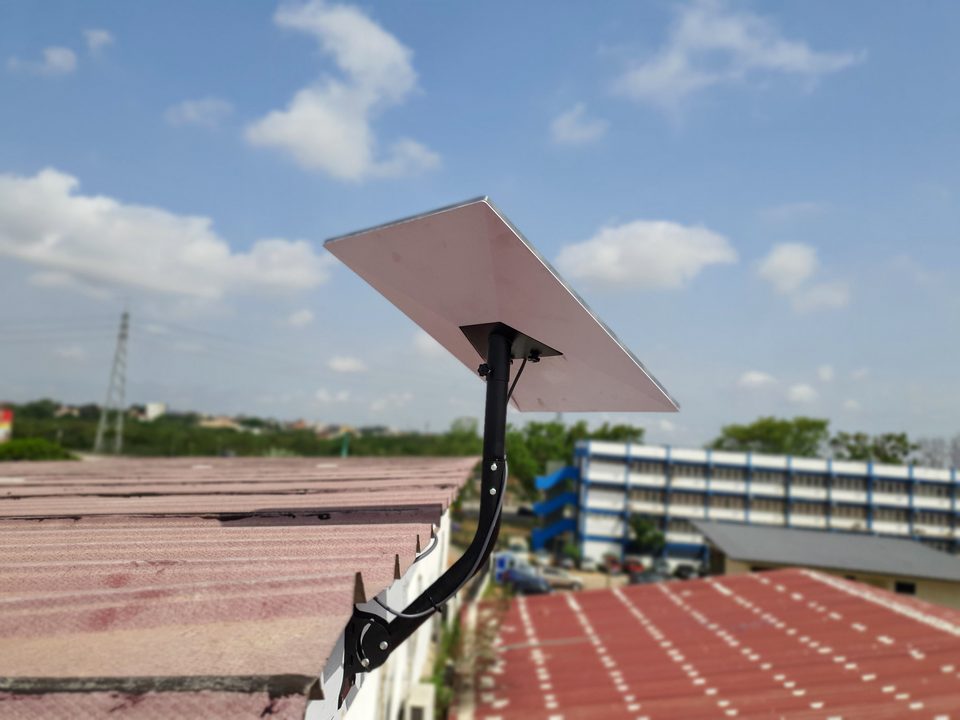
Traditional fibre takes months of permits, digging, and waiting for local ISPs. For construction sites, remote estates, temporary events, and industrial operations, that timeline is unacceptable. Starlink Enterprise gives you gigabit-class speeds out of the box, independent of local ground infrastructure.
Online in days. No waiting for local ISP trenches or grid connections.
Not reliant on local fibre grids that can be cut, flooded, or overloaded.
Even if you have existing fibre, a Starlink link configured by us acts as an automatic failover, keeping your business online when local grids fail.
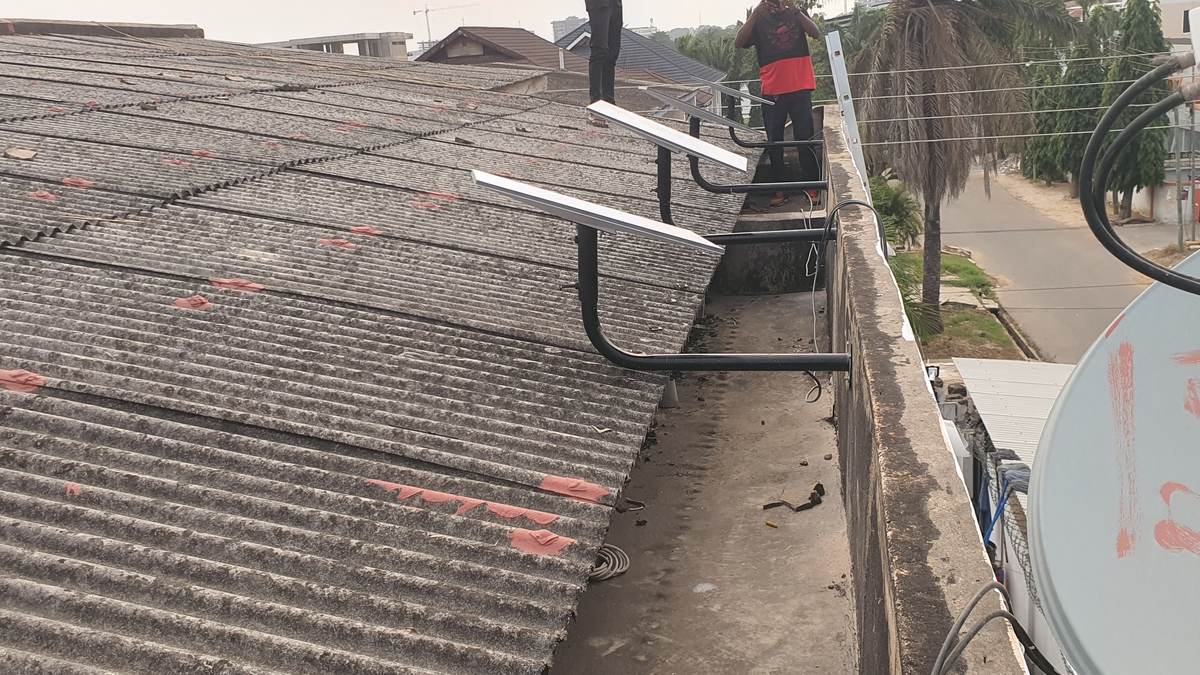
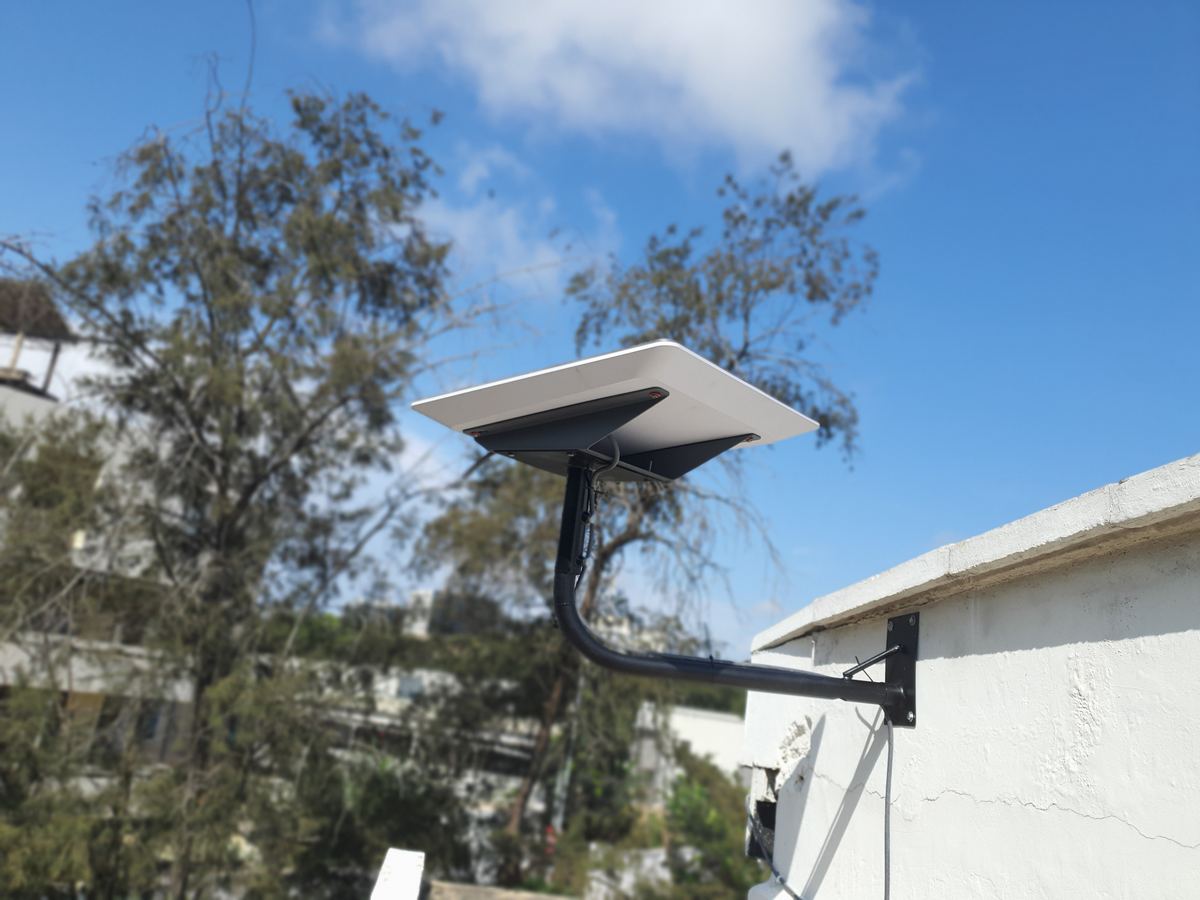
A consumer dish is a “plug-and-play” toy. An enterprise deployment is different. We handle the site survey, structural mounting, lightning protection, and seamless integration into your firewall and VLAN architecture. We don’t just leave a dish on a roof; we build a resilient link.
Fixed to a structural plane, not balanced on a block or a loose bracket.
Earthed at the mast, with surge protection at the entry point, because a Ghanaian roof is also a lightning target.
The dish terminates at your firewall, not a random switch. We configure it as a primary or secondary WAN, with full VLAN and QoS routing.
We map the new WAN link into your network drawing and show your team how to read the status lights before we leave.
We check the site (sky view, cable run, power).
Secured, earthed, and weatherproofed.
Configured at the firewall with VLANs and failover routing.
Added to the network diagram and tested.
Coverage, speed, and the monthly subscription are set by Starlink. Techengy handles the hardware supply, professional installation, and local network integration. We ensure the hardware and local setup are flawless, so you get the best possible performance out of the service.
Unlike fibre which takes months of trenching, a Starlink Enterprise link can be surveyed, mounted, and fully integrated into your network in days.
Yes. We don’t just plug in a dish. We integrate it into your firewall, configure VLANs, and ensure it can handle your company’s heavy data and voice traffic.
We install the dish and router on the same UPS as your server rack, ensuring your primary or backup WAN link survives local power outages.
Tell us where the site is. We will tell you what is needed for the installation, what kind of speeds are achievable, and how it integrates with your current network.
Or call +233 54 925 3380 — the same team answers.