Trigger
Welcome Home
An authorised resident arrives and the property confirms trusted presence.
The arrival sequence prepares the property instead of asking the resident to operate seven separate controls.
Coordinated response
- Disarm the selected security mode
- Open the gate under the agreed security rule
- Illuminate the entrance and pathway
- Set AC to the preferred arrival temperature
- Activate selected indoor lighting
- Open curtains or blinds
- Start the approved whole-home audio scene
Trigger
Good Night
The resident says “Good night” or presses one bedside scene button.
The house closes down consistently and reports anything that still needs attention.
Coordinated response
- Switch off unnecessary lights and selected appliances
- Close motorised curtains
- Lock controlled doors
- Arm night security and motion detection
- Set the night AC temperature
- Switch off entertainment equipment
- Retain low-level hallway and exterior security lighting
- Report any monitored door or window left open
Trigger
Nobody Home
The last authorised occupant leaves the property.
Security and energy saving become one coordinated away mode rather than separate routines.
Coordinated response
- Switch off lights and selected sockets
- Adjust AC to the agreed away setting
- Close curtains
- Lock controlled doors
- Arm alarms and activate cameras
- Move exterior lighting into automatic security mode
- Reduce avoidable standby consumption
Trigger
Fire Emergency Coordination
A certified fire system confirms a serious smoke or heat event.
Life-safety systems can coordinate the building response when designed with the fire, electrical, HVAC and access specialists.
Coordinated response
- Sound the approved alarms
- Illuminate escape routes and emergency lighting
- Release designated emergency exits
- Coordinate HVAC or ventilation shutdown where specified
- Isolate approved electrical circuits
- Notify occupants and designated contacts
- Expose approved camera views for verification
Design note: Normal smart-home devices do not replace a certified fire system. The final sequence must follow the project's life-safety design and fail-safe requirements.
Trigger
Water Leak Protection
A water sensor detects a leak in a protected area.
A small leak can be isolated and reported before it becomes major property damage.
Coordinated response
- Close the compatible motorised water valve
- Send an immediate notification
- Sound the agreed indoor alarm
- Illuminate the utility area
- Show an approved camera view
- Notify the owner or property manager
- Record the event
Trigger
Power Cut
The energy system detects loss of grid power.
Backup power is protected for the circuits that matter instead of every load competing for the battery.
Coordinated response
- Transfer to the compatible inverter or battery system
- Prioritise agreed essential circuits
- Shed non-essential loads
- Keep Wi-Fi, networking and cameras online
- Reduce AC demand
- Notify the owner
- Restore loads gradually when grid power returns
Trigger
Solar Energy Optimisation
Solar production, battery state and current building load meet the approved conditions.
The property uses more of its own generation while reserving battery capacity for essential services.
Coordinated response
- Prioritise battery charging
- Run approved flexible loads when generation is high
- Schedule compatible water heating or EV charging
- Pre-cool selected rooms
- Reduce non-essential loads as battery state falls
- Preserve energy for security and networking
Design note: Available functions depend on compatible inverter, battery, metering and load-control interfaces.
Trigger
Movie Night
The resident selects the Movie Night scene.
The room moves from normal living to cinema mode with one deliberate command.
Coordinated response
- Dim the room lighting
- Close curtains or blinds
- Switch on the television or projector
- Activate the sound system
- Adjust AC
- Switch off distracting lights
- Set the ambient lighting scene
Trigger
Morning Routine
An approved schedule or the resident's alarm starts the morning scene.
Light, climate and selected rooms transition gradually instead of the morning beginning with a bank of switches.
Coordinated response
- Open curtains gradually
- Raise bedroom lighting slowly
- Adjust AC
- Activate bathroom lighting and ventilation
- Start selected music
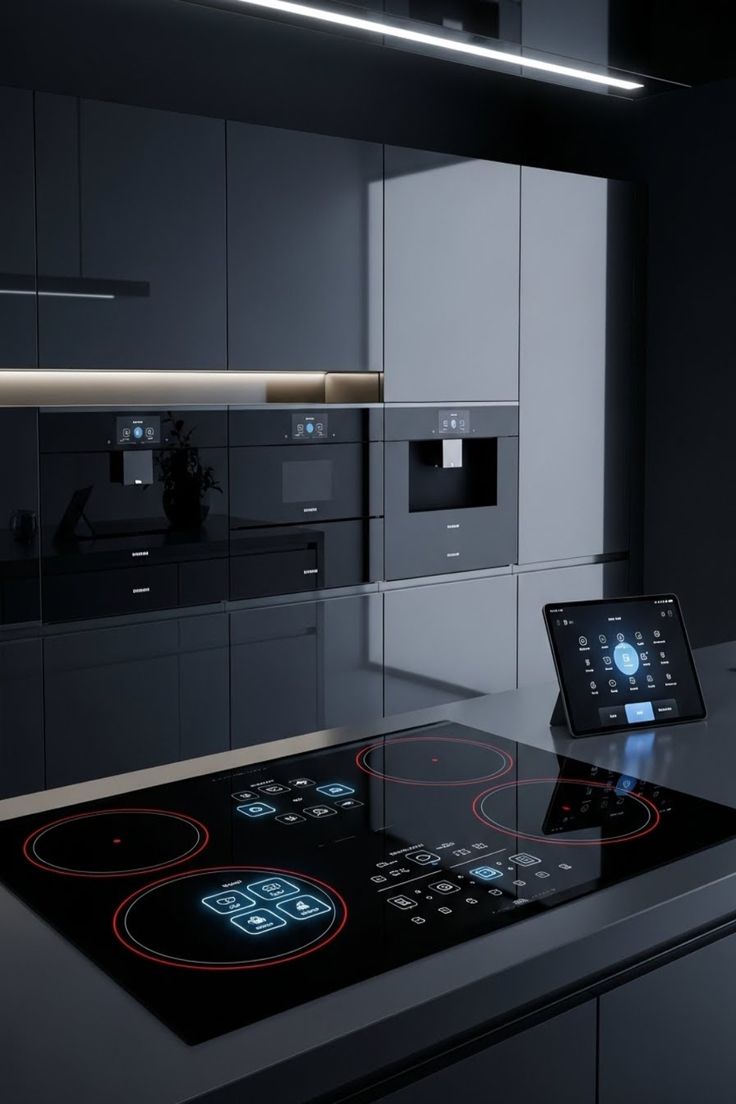
- Enable approved kitchen appliances
- Move the property from night security to daytime mode
Trigger
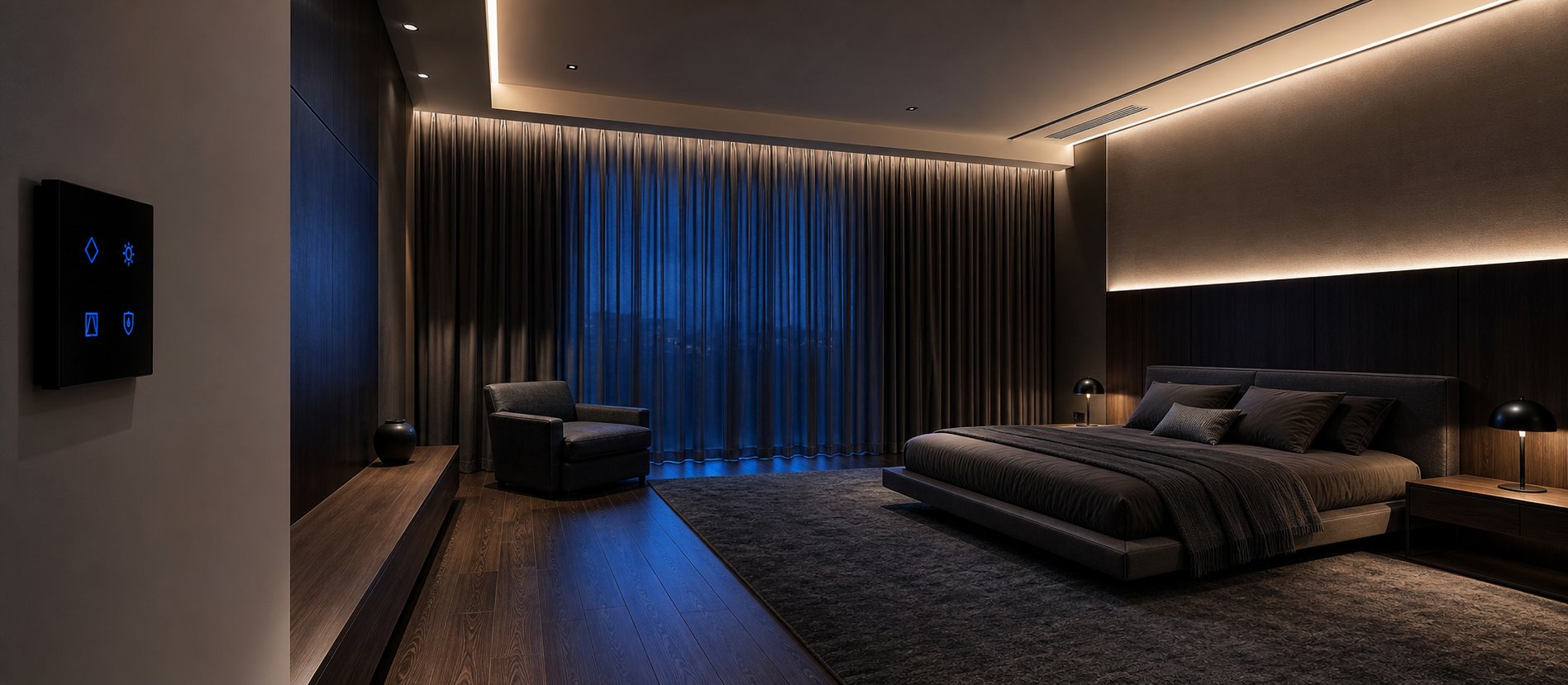
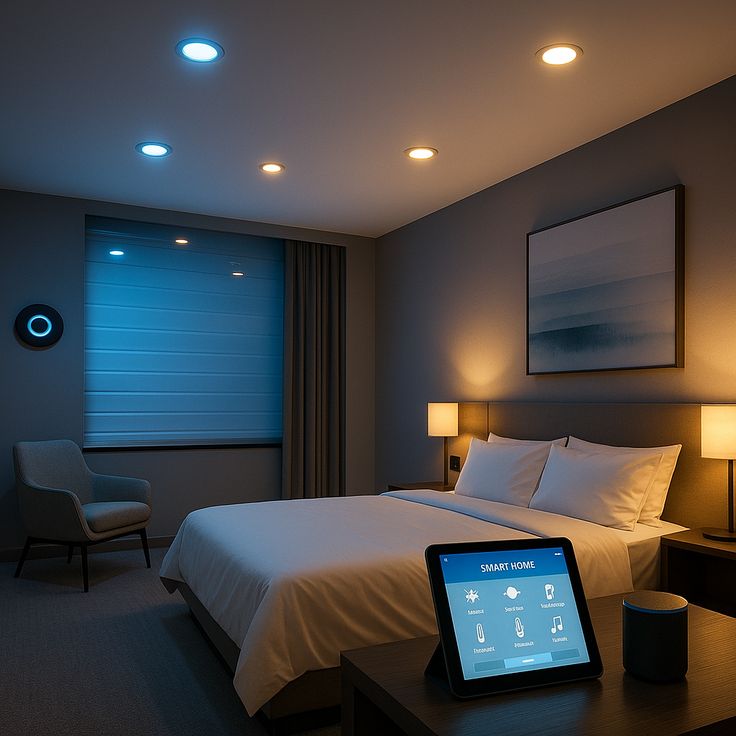
Sleep Protection
The resident activates the sleep scene.
Comfort and nighttime security are checked together before the room settles.
Coordinated response
- Check bedroom temperature
- Adjust AC
- Close curtains
- Reduce lighting
- Lock controlled doors
- Report monitored windows left open
- Activate night security
- Retain low-level hallway lighting
Trigger
Family & Elderly Safety
The agreed activity or environmental rule detects something unusual.
With consent, the home can make nighttime movement safer and bring unusual events to a family's attention.
Coordinated response
- Detect unusual inactivity under the agreed rule
- Monitor selected door activity
- Monitor agreed environmental conditions
- Illuminate nighttime pathways automatically
- Alert an approved family contact when attention may be required
Design note: This requires explicit consent and privacy controls. It is a family-support feature, not a medical-monitoring service.
Trigger
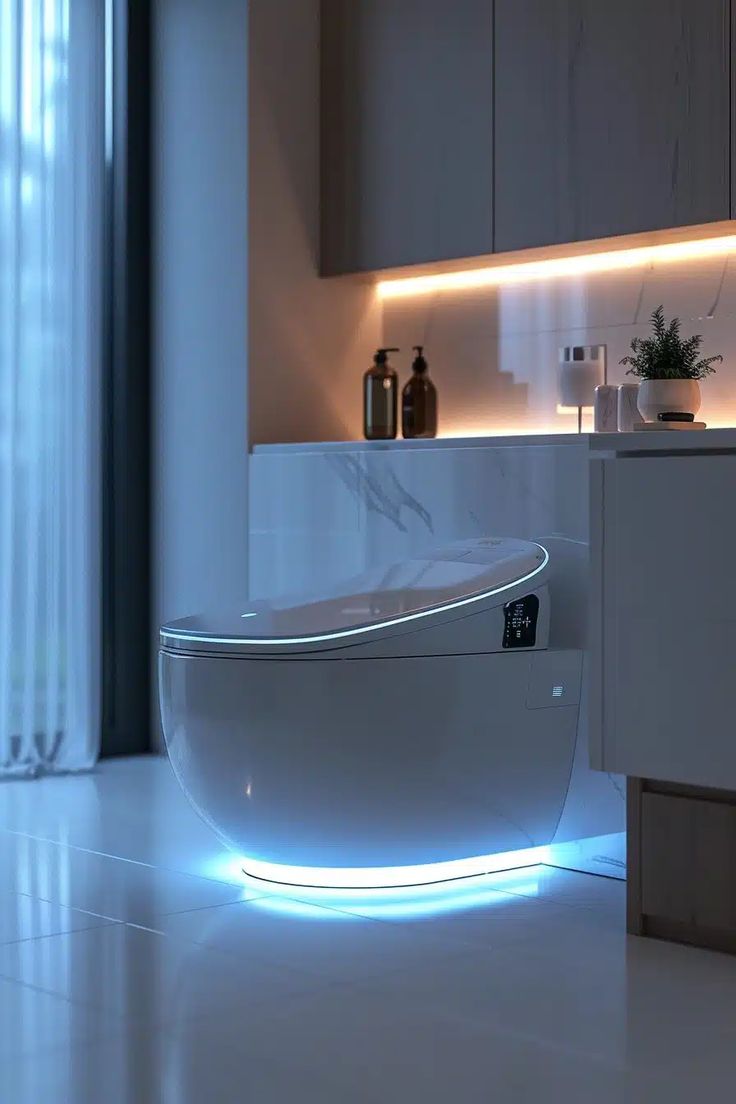
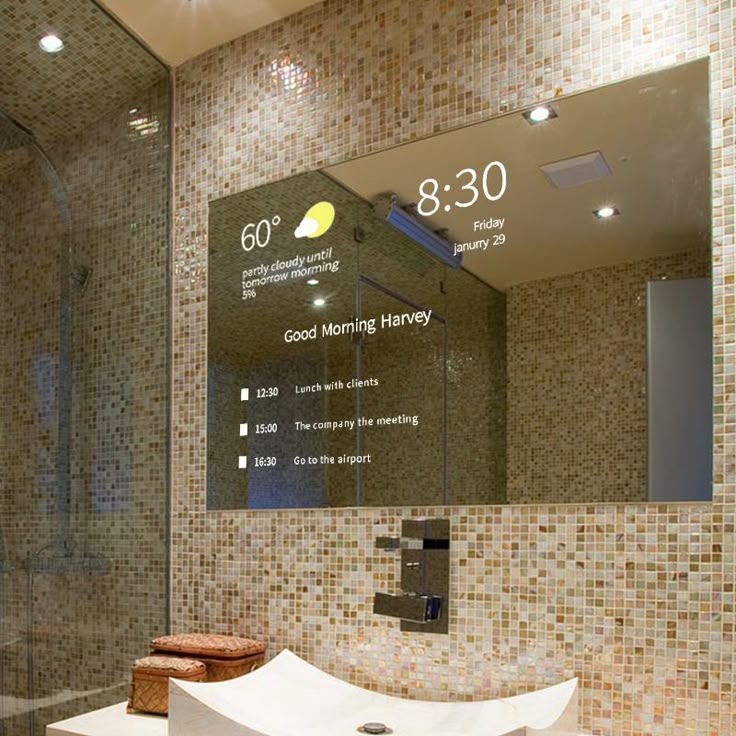
Morning Bathroom
Presence is detected during the approved morning period.
The bathroom prepares only the functions needed, then shuts them down after vacancy.
Coordinated response
- Set the appropriate lighting level
- Start ventilation
- Adjust compatible temperature control
- Activate the approved mirror or display
- Switch systems off after the agreed vacancy period
Trigger
Doorbell & Security
A visitor rings the smart doorbell.
The entrance becomes visible and controllable without weakening access security.
Coordinated response
- Notify authorised occupants
- Display the camera feed
- Illuminate the entrance
- Record the event
- Enable two-way communication
- Offer remote unlock only after intentional approval
Trigger
Weather Protection
Outdoor sensors or approved weather data detect rain, heat or strong sunlight.
Openings, shading and climate systems respond together to protect the property and maintain comfort.
Coordinated response
- Close compatible motorised windows
- Close outdoor blinds or awnings
- Protect selected outdoor equipment
- Notify occupants
- Coordinate blinds, ventilation and AC using sunlight, temperature and occupancy
Trigger
Vacation Mode
The owner deliberately places the property in Vacation Mode.
The empty property continues protecting itself without pretending someone is actively controlling it every day.
Coordinated response
- Simulate realistic lighting patterns
- Operate selected curtains periodically
- Maintain security cameras
- Monitor leaks and smoke through the approved systems
- Maintain minimum climate or ventilation settings
- Control exterior lighting by time or sensors
- Report abnormal events
Trigger
Hotel Guest Arrival
An authorised hotel check-in event activates the assigned room.
The guest room can move from vacant to welcoming while checkout returns it to an energy-aware operational state.
Coordinated response
- Activate the approved room access credential
- Set the arrival lighting scene
- Bring AC to the agreed welcome temperature
- Open curtains
- Show approved welcome information
- Move the room to energy-saving mode at checkout
- Deactivate the departing credential
- Flag the room for the agreed housekeeping workflow
Design note: The final workflow depends on confirmed interfaces with the hotel's property-management and access systems.
Trigger
Smart Restaurant Service
Staff select Opening, Service, Event, Closing or After-hours mode.
Dining, kitchen and service areas follow the operating mode without staff resetting each system separately.
Coordinated response
- Set dining-room and service-area lighting
- Adjust climate by occupied zone
- Start the approved music scene
- Control staff and service access
- Activate the appropriate camera and security mode
- Move non-essential systems into after-hours settings at closing
Trigger
Smart Learning Suggestions
The system notices the same sequence being performed repeatedly.
Repeated routines can become useful scenes without the building taking control away from its occupants.
Coordinated response
- Identify the repeated sequence
- Prepare a suggested scene
- Show the proposed trigger and actions
- Wait for the user to approve or edit it
- Automate only after approval
Trigger
Multi-Condition Automation
Several approved conditions are true at the same time — for example occupancy, sunset, temperature and room use.
The building responds to context, not merely to one motion sensor firing.
Coordinated response
- Evaluate presence and room occupancy
- Check time or sunset
- Check the agreed temperature condition
- Set the living-room lighting scene
- Close blinds
- Adjust AC
- Activate ambient lighting